
Honkio S3
Secure and high-performance S3-compatible object storage
An S3 server written in Rust that replaces MinIO. It speaks the same S3 and MinIO admin APIs, so applications, SDKs and the mc tool work unchanged. Every Honkio application stores its files in Honkio S3.
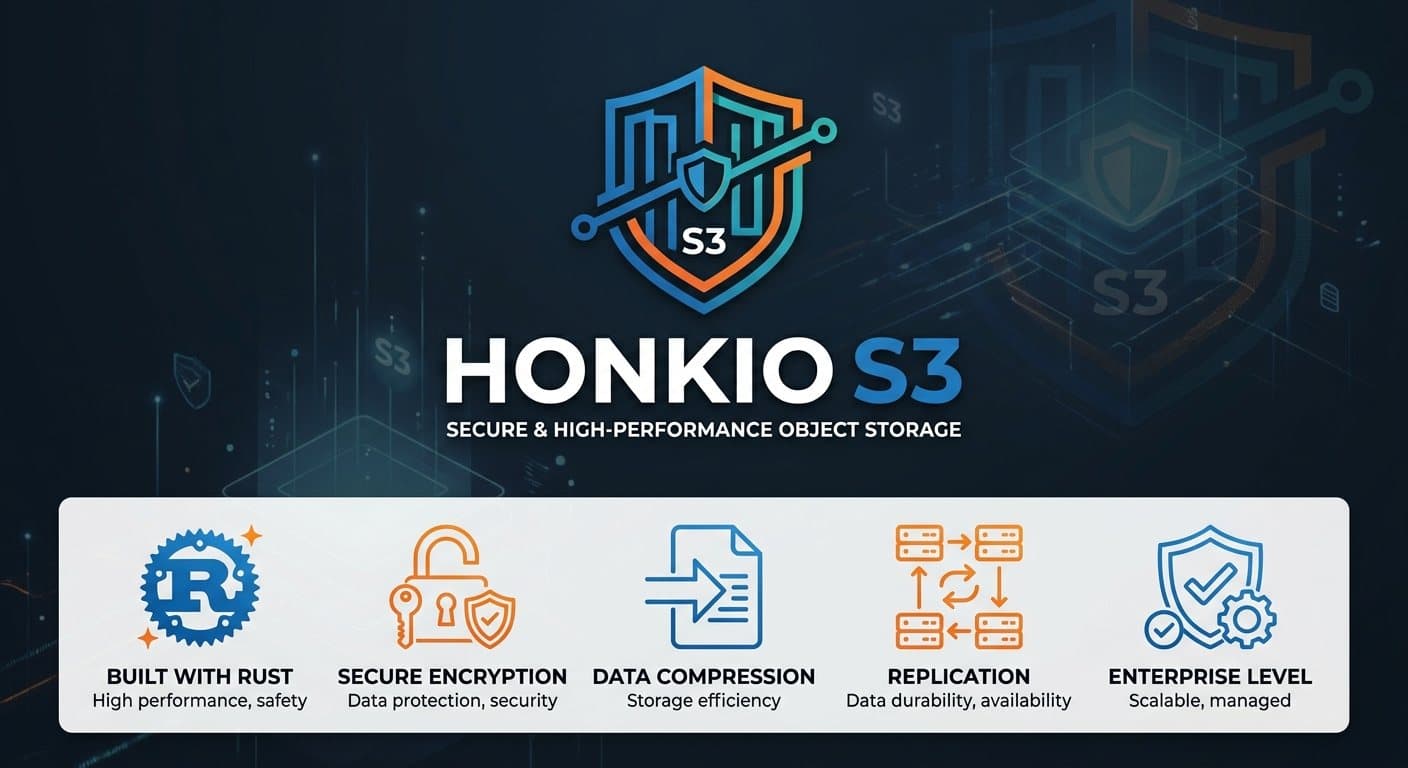
- Built with RustOne static binary, a small memory footprint and a fast start.
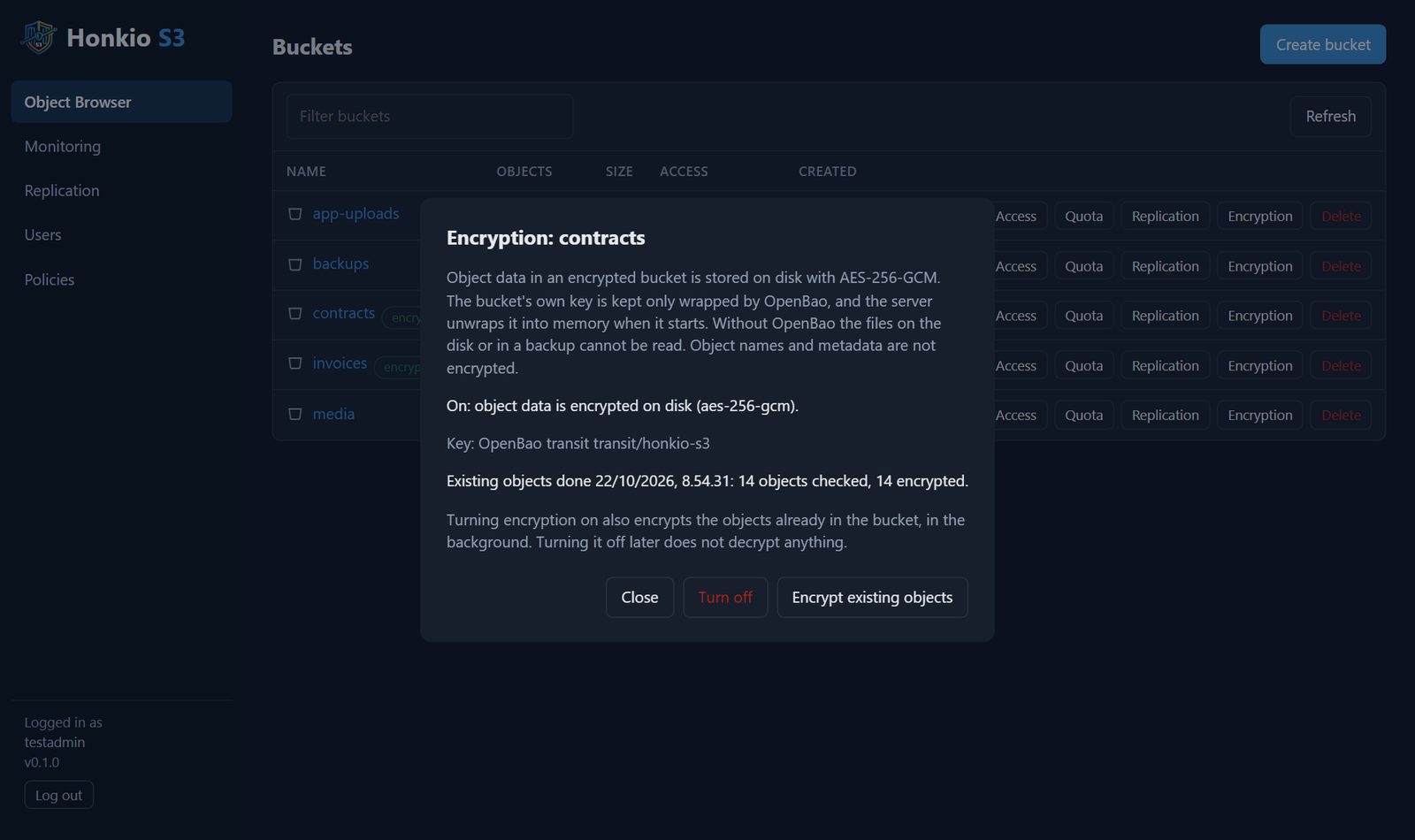
- Per-bucket encryptionAES-256-GCM on disk. Keys live in OpenBao, so a disk or a backup alone cannot be read.
- Compressionzstd compression on disk, invisible to clients. Already compressed files are left alone.
- ReplicationPer-bucket replication to another S3 service, background resync and status in the console.
- MinIO compatibleSigV4, presigned URLs, multipart, policies, quotas and mc admin. One-command migration from MinIO.
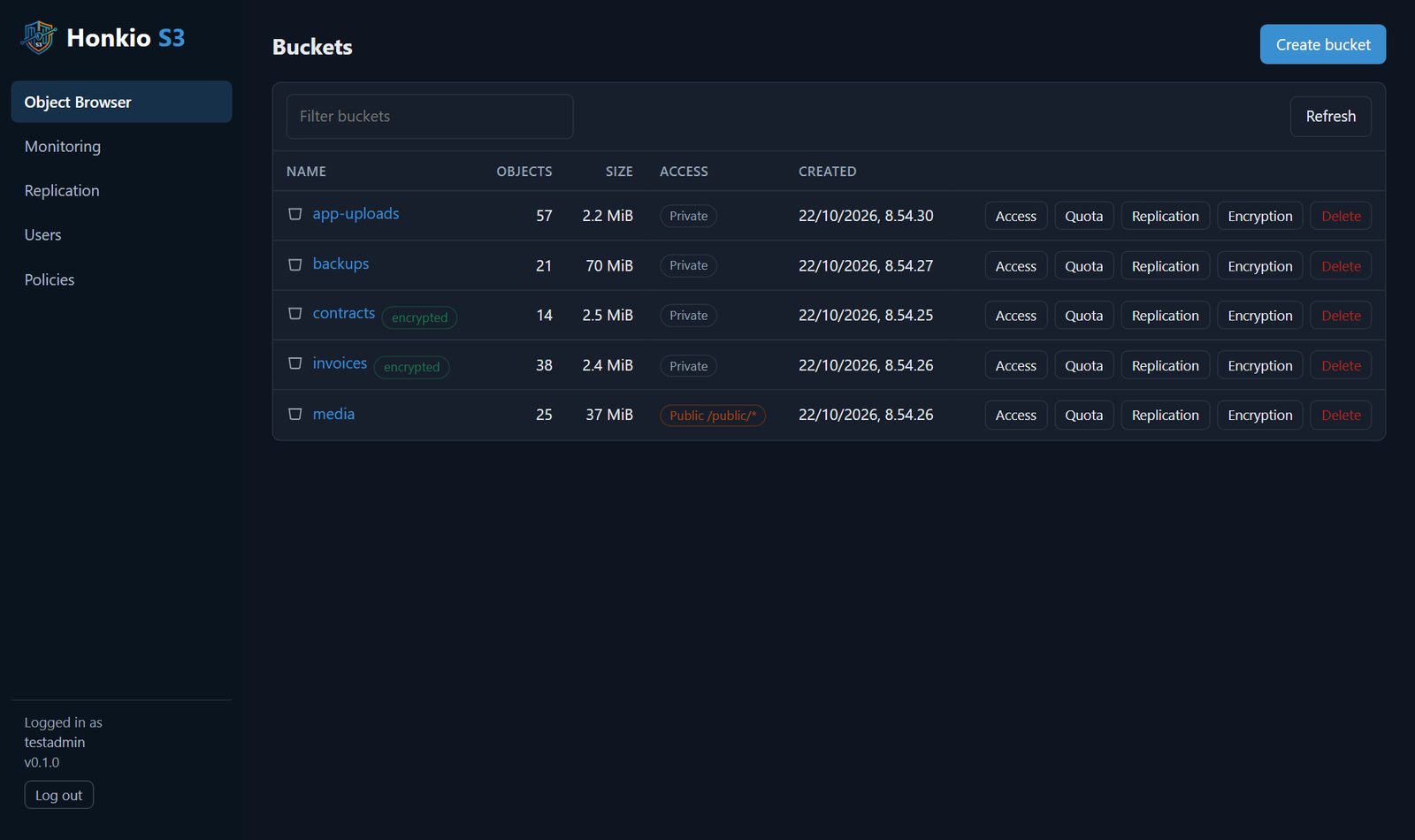
- Web console and monitoringObject browser, users and policies, Prometheus metrics, audit log and bitrot scrubbing.
Why Honkio S3
MinIO stopped developing its free version. Honkio S3 was written to replace it in Honkio's own use, and Honkio's own migration of 65 buckets was completed in October 2026. It covers what real applications use: python-minio, aws-sdk-js v3, minio-js and the Dart minio package work as they are.
One server, plain files
Each installation is a single server without a cluster. Objects are stored on disk as plain files, so rsync or restic is enough for backups. Fault tolerance comes from per-bucket replication to another server.
- Writes are atomic: data is on disk before it becomes visible
- A checksum is stored for every object, and a background check rereads everything every 30 days
- Unfinished multipart uploads are cleaned up automatically
Migrating from MinIO
The honkio-s3 migrate command moves users, service accounts, policies, buckets with their settings, and objects so that the key, ETag, timestamp, metadata and tags are kept. A repeat run copies only the changes, so the cutover needs only a short write freeze.
What is left out on purpose
Clustering, erasure coding, versioning, bucket notifications, object lock and STS are left out because no Honkio application uses them. Saving an unsupported setting returns an error, so a feature that does not work is never accepted silently.
Screenshots